
AI-Powered, Voice-First. Your Clinical Workflow Companion
MedTalk AI is an ambient AI medical scribe that automates medical documentation, easing administrative tasks and helping healthcare professionals focus more on patient care.
From Consultation to Compliant Record
Every step of clinical documentation, handled automatically.

Dictation & Recording
Record in-room or upload existing audio, no typing required.

Live Transcription
Medical-grade speech-to-text, structured in real time.

AI Medical Search
Instant, evidence-based answers during the consult.

Physician Reports
Compliant, EMR-ready reports generated automatically.
Every Feature, Built With Clinicians
Shaped by real research and feedback from clinicians around the world. MedTalk is trusted by clinicians everywhere, with every feature tailored to how you actually practice.
Smarter Documentation, Start to Finish
More flexible, resilient documentation, from first recording to final sign-off.
- Full editing support for all AI-generated reports
- Resume transcription for any paused or interrupted consultation
- Saved Notes: store and reuse repeated clinical text instantly
Session Workflow
Transcription Running
Live capture that lets you pause anytime and resume exactly where you left off.
AI Report Generated
Review and fully edit the AI-generated note before finalising.
Insert Saved Notes
One click to insert frequently used clinical phrases into any section.
Finalise & Export
Save to EMR or export in your preferred report format.
Any Report You Need, Just Ask
Turn one consultation into every report you need. Pick a quick report or ask MedTalk AI directly.
- One-click quick reports: GP plan review, mental health plan, health assessments, and more
- Ask in plain English to generate any report from your consultation
- Every AI answer is grounded in the actual consult, nothing invented
Generate Quick Reports with MedTalk AI
Verify your note accuracy before storing.
Edit Reports & Transcripts, Your Way
Nothing is locked. Rewrite any line and format it with a highlight: bold, italics, or an underline, right from the selection toolbar.
- Edit any report or transcript directly, word for word
- Highlight text to bold, italicize, or underline it instantly
- Switch between Transcript and Report tabs without losing edits
Patient consent to use AI documentation: 00:04:40
The transcript contains only a greeting ("Hello, how are you...").
No report can be generated from this transcript.
Spot an Issue? Report It Instantly
Report a clinical issue in a report and a support ticket is raised immediately. Our team reaches out and resolves it within 24 hours.
- Flag any omission, hallucination, or factual inaccuracy in one click
- Every report auto-submits a ticket straight to MedTalk support
- Guaranteed response and resolution within 24 hours
Report Clinical Issue
Please provide more details about the issue.
Category
Resume Transcription, Right Where You Left Off
Interrupted mid-consult? Pick up right where you left off, no lost audio, no starting over.
- Paused mid-consult? Pick up exactly where you left off
- Nothing is lost, every second recorded before the pause is kept
- One click resumes live transcription, no re-recording needed
Consultation Toolbar
Session paused at 00:12:04. Audio and transcript preserved.
Active Consultation: Multi-Speaker Session
🎙️ Recording: 3 speakers detected, all voices attributed separately in clinical report
Every Voice in the Room. Every Clinical Detail Captured.
Identifies and attributes every voice in the consultation: clinician, patient, carer, or specialist.
- MDT meetings captured with full per-speaker attribution
- Complex multi-party consultations: patient, carer, clinician in one session
- Specialist referral calls documented with full context preserved
Custom Templates, Built Around You
Create, manage, and reuse custom documentation templates built for your specialty.
- Describe the sections you want in plain English, and AI builds the structure
- Start faster with ready-made templates: SOAP, discharge summary, referral & more
- Set visibility to Private, or share as Public with your whole team
Create New Template
Template Name
Speciality
Visibility
Or pick a ready-made template
One Consultation
Multiple Reports, From a Single Consultation
Record once, generate every report type you need, a consult note, a ward note, a referral letter, without repeating the conversation.
- Generate as many report types as needed from a single recorded consultation
- Switch between the transcript and every generated report from one tab bar
- Add another report type anytime, no need to re-record the consult
Transcript Language
 FR
FRReports Language
 EN-AU
EN-AURecord Transcription in Any Language. Reports in Any Language.
Record in any language. Get reports in any language. No re-recording needed.
Record in Any Language
Speak naturally. MedTalk AI transcribes automatically.
Generate Reports in Any Language
Reports in the same language or switch instantly.
One-Click Language Switch
No re-recording needed. Change language and regenerate.
No Extra Steps
Record once, use in multiple languages.
My Templates
SOAP Multiple Issue
Multi-concern documentation in one note
Patient Summary
Chief complaints, history, allergies & plans
Saved Notes
Reuse repeated clinical text in one click
Pin, Favourite & Set Defaults
Set defaults, pin your go-to formats, and skip the scrolling mid-consult.
- Set default templates per workflow or specialty
- Pin frequently used templates to the very top
- Saved Notes: insert repeated clinical text in a single click
Patient Consent Required
Confirm the patient knows this session will be recorded and transcribed.
De-identification
Transcription Destruction
AI Report Timestamping
Clinician Review & Sign-off
Active Compliance Certifications
Privacy Built In: Not Bolted On
Consent reminders surface automatically before every recording. All data is encrypted in transit and at rest.
- Patient Consent Required before every recording session
- De-identification for personally identifiable information before processing
- Transcription Destruction after the clinical report is generated
- Clinician Review & Sign-off before notes enter the clinical record
Before You Begin
Patient Consent Confirmed
Patient has been informed this session will be recorded and transcribed by ambient AI.
Recording cannot start until consent is confirmed
Consent, Prompted Every Time
Before ambient AI starts listening, MedTalk checks, so consent is never assumed.
- A consent prompt appears before every ambient recording begins
- The session won't start until the clinician confirms consent was obtained
- Consent status is logged against the encounter for audit and compliance
Long Phrases, Shortened Automatically
Customise how MedTalk writes, swap common clinical phrases for your preferred abbreviations.
- Build your own abbreviation set: once configured, it applies to every report
- Common terms shortened automatically, e.g. “shortness of breath” → “SOB”
- Override or turn off any abbreviation per report before finalising
Abbreviation Set
Shortness of breath
Blood pressure
Follow-up
Twice daily
Spoken
"Patient says their stomach's been hurting a lot since yesterday, feels sick too."
AI Report
Patient reports acute abdominal pain with associated nausea, onset yesterday.
Plain Speech, Written as Medical Terminology
Say it in plain language during the consult. MedTalk writes it up in precise clinical terms.
- Converts everyday phrasing into standard medical terminology automatically
- Keeps output consistent with clinical documentation standards
- No manual find-and-replace: it happens as the report is generated
Clinical Vocabulary
Import CSVCSV columns: source_text and replacement_text, up to 500 rows.
Clinical Vocabulary, Written Exactly the Way You Prefer
Add your own terms, abbreviations, medications and custom spellings so MedTalk recognises them and writes them your way, every time.
- Map any term, name, or medication to how you want it written, e.g. “Dr Smith” → “Dr. Smith”
- Bulk import up to 500 entries at once from a CSV of source and replacement text
- Applies automatically across every transcription and report from then on
Reshape Any Report: Just Ask
Custom-formatted templates you can edit in plain English. No settings menus, just a prompt.
- Type what you want changed: tone, structure, sections, length
- AI applies the edit instantly across the current report
- Save the result as a new reusable template for next time
Edit With a Prompt
"Make this more concise and add a differential diagnosis section"
✦ Applied
Report shortened by 30%; a "Differential Diagnosis" section was added.
Consultation Data, Mapped Straight Into the Form
Transcribed or manually entered clinical detail auto-populates care plans, consent forms, assessments, and program-specific documentation like NDIS.
- Accurately maps relevant data to the correct field, every time
- Supports care plans, consent forms, assessment tools, and NDIS documentation
- Flags incomplete fields so nothing is submitted half-filled
NDIS Care Plan: Auto-Filled
Participant Name
James Morrison
Support Goals
Improve mobility, increase community access
Funded Supports Required
Physiotherapy, Support Coordination
Review Date
12 March 2026
AI Report: Review Flagged
Patient prescribed metoprolol 25mg, to be taken twice daily with food.
Uncertain Words, Flagged for Review
When the AI isn't confident in what it heard, it says so. The word is italicised inline so nothing slips through unchecked.
- Low-confidence words are italicised directly in the report
- Clinician reviews and corrects before the note is finalised
- Nothing is silently guessed, uncertainty is always visible
One Consult, Reports for Every Audience
Generate clear, tailored documentation for families, educators, and support providers, in language they'll actually understand.
- Care plans, feeding regimes, medication schedules, and behavioural strategies
- Written in plain, accessible language matched to the reader's health literacy
- Stays aligned with your organisation's documentation standards
Generate For
Family Letter Preview
"Since our visit, James has been doing really well with the new feeding routine..."
Retention Period
Consultation: 8 Sept, 2:40pm
Auto-deletes in 1 day
Your Data, Gone When You Say So
Choose how long reports are retained: delete on demand, or set it and forget it. Audio is always destroyed automatically within 24 hours, regardless of this setting.
- Delete any report on demand, instantly
- Or set reports to auto-delete after 1 day or 14 days
- Applies per consultation: no manual clean-up needed
- Audio is separate: always destroyed automatically within 24 hours
Consultation Mode
Recording in-room consultation, captured via device microphone
In-Clinic or Virtual: Just Speak
Record any consultation, however it happens. MedTalk captures it all, the same way every time.
- In-room consultations captured directly from your device's microphone
- Video call consults captured automatically, no separate recording step
- Every recording processed through the same AI pipeline, regardless of source
Session History
Dr. Sarah Chen, Follow-up
8 Sept, 2:40pm
James Morrison, Initial Consult
5 Sept, 11:15am
Prof. Ahmed Khalil, Referral
2 Sept, 9:00am
Every Consultation, One Searchable Record
Every past note, recording, and session lives in one place, searchable whenever you need it.
- Full session history per patient, searchable by date, keyword, or template
- Revisit any past recording or report in a click
- Nothing gets lost between consultations
Consultation Toolbar
Print Reports, or the Full Session, in One Click
Need a paper copy? Print just the report, or the report and transcript together, straight from the consultation toolbar.
- Print just the generated report, or the full session with transcript
- Available right from the consultation toolbar, no need to leave the session
- Useful for physical charting, patient handouts, or offline records
Start a Session
Dictation, When There's No Consult to Record
No live conversation to capture? Dictate the encounter yourself, or upload an existing recording, and MedTalk turns it into the same structured report.
- No patient in the room? Dictate the encounter directly into MedTalk
- Upload an existing audio recording and get the same structured report
- Same AI pipeline as live transcription, so accuracy stays consistent
Smarter Documentation, Start to Finish
More flexible, resilient documentation, from first recording to final sign-off.
- Full editing support for all AI-generated reports
- Resume transcription for any paused or interrupted consultation
- Saved Notes: store and reuse repeated clinical text instantly
Session Workflow
Transcription Running
Live capture that lets you pause anytime and resume exactly where you left off.
AI Report Generated
Review and fully edit the AI-generated note before finalising.
Insert Saved Notes
One click to insert frequently used clinical phrases into any section.
Finalise & Export
Save to EMR or export in your preferred report format.
Consultation and Report Languages
Select the consultation language for transcription, then choose a report language that can be the same as the consultation or different for the final clinical document.
Consultation Language
Transcribe in one language. Generate your report in another.
Report Language
25 supported languages
English
Australia

English
United States

English
United Kingdom

Spanish
Spain
French
France

German
Germany

Italian
Italy

Mandarin
China

Hindi
India

Arabic
Middle East

Urdu
Pakistan

Bengali
Bangladesh

Russian
Russia

Portuguese
Portugal

Portuguese
Brazil
Fits Into Your Existing Workflow
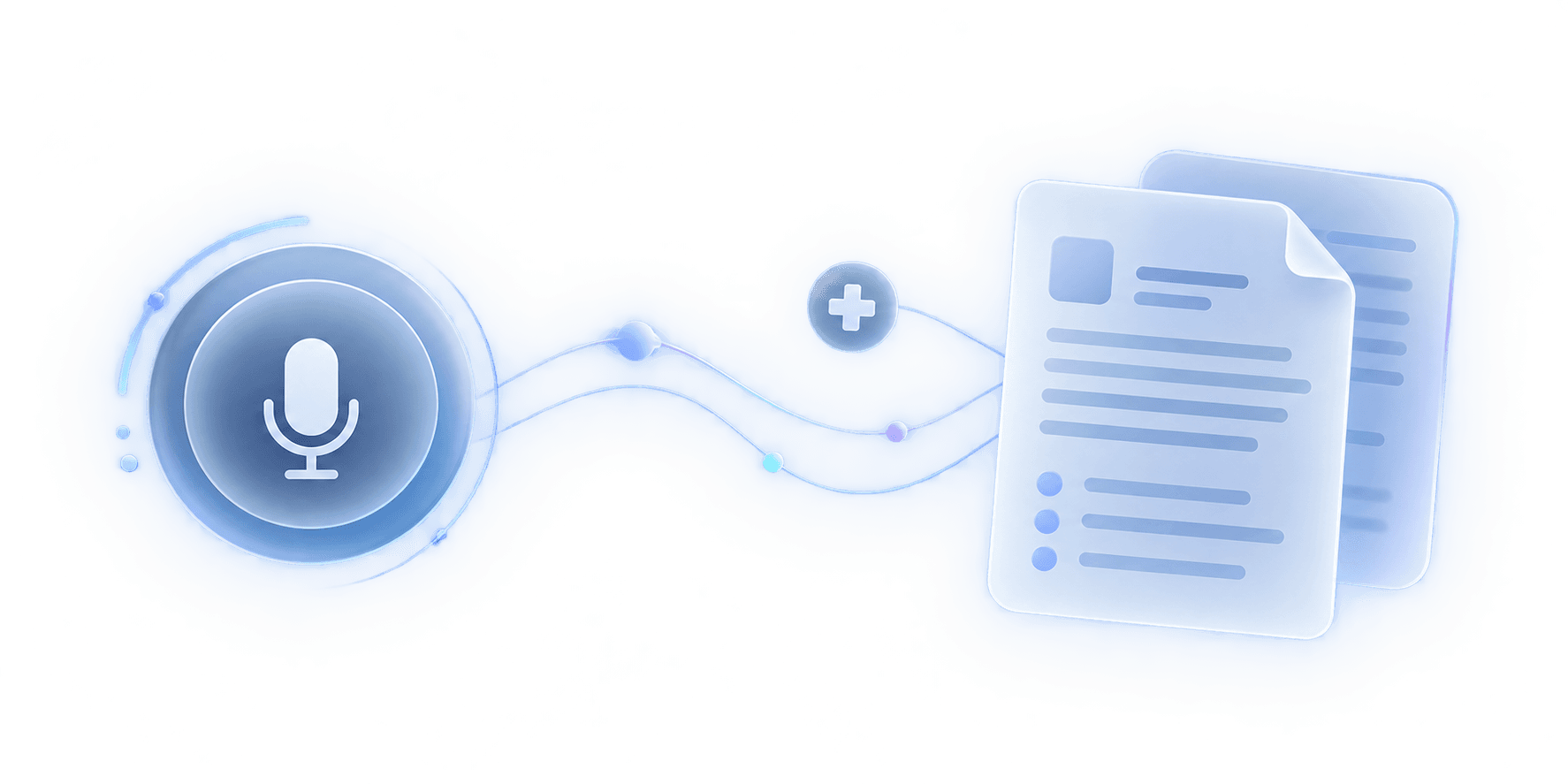
Connects directly to the practice software, EMRs, and systems you already use, with no duplicate data entry.






EMR / EHR Sync
Native FHIR R4/R5 integration with Epic (piloted with ACT Health); structured clinical note export for Oracle Health and more.
Practice Management
Integration partnership with Best Practice; structured note export for Oracle Health and more.
Secure Data Import
Upload existing recordings and documents in seconds.
Open API
Connect Medtalk to your own tools and workflows via REST API.
Multi-Language
10+ consultation and report languages, natively supported.
Enterprise Security
Australian data residency, encrypted end-to-end.
A Template for Every Encounter
A ready-made library of clinical documents, engineered for efficiency and standardisation.
Allied Health (Physiotherapy)
Physiotherapy Note
Mobility, function, and rehabilitation progress, documented for allied health.
General & Internal Medicine
Consult Note
A general-purpose consult format for everyday internal medicine visits.
Orthopaedics
Orthopedic Consultation
Joint, fracture, and musculoskeletal findings, structured for orthopaedic review.
Cardiology
Cardiology Consult Letter
Cardiac history, findings, and referral detail, formatted as a specialist letter.
General & Internal Medicine
SOAP Note
The standard Subjective, Objective, Assessment, Plan format.
General Practice
GP Consult Note
Everyday general practice consultations, documented end to end.
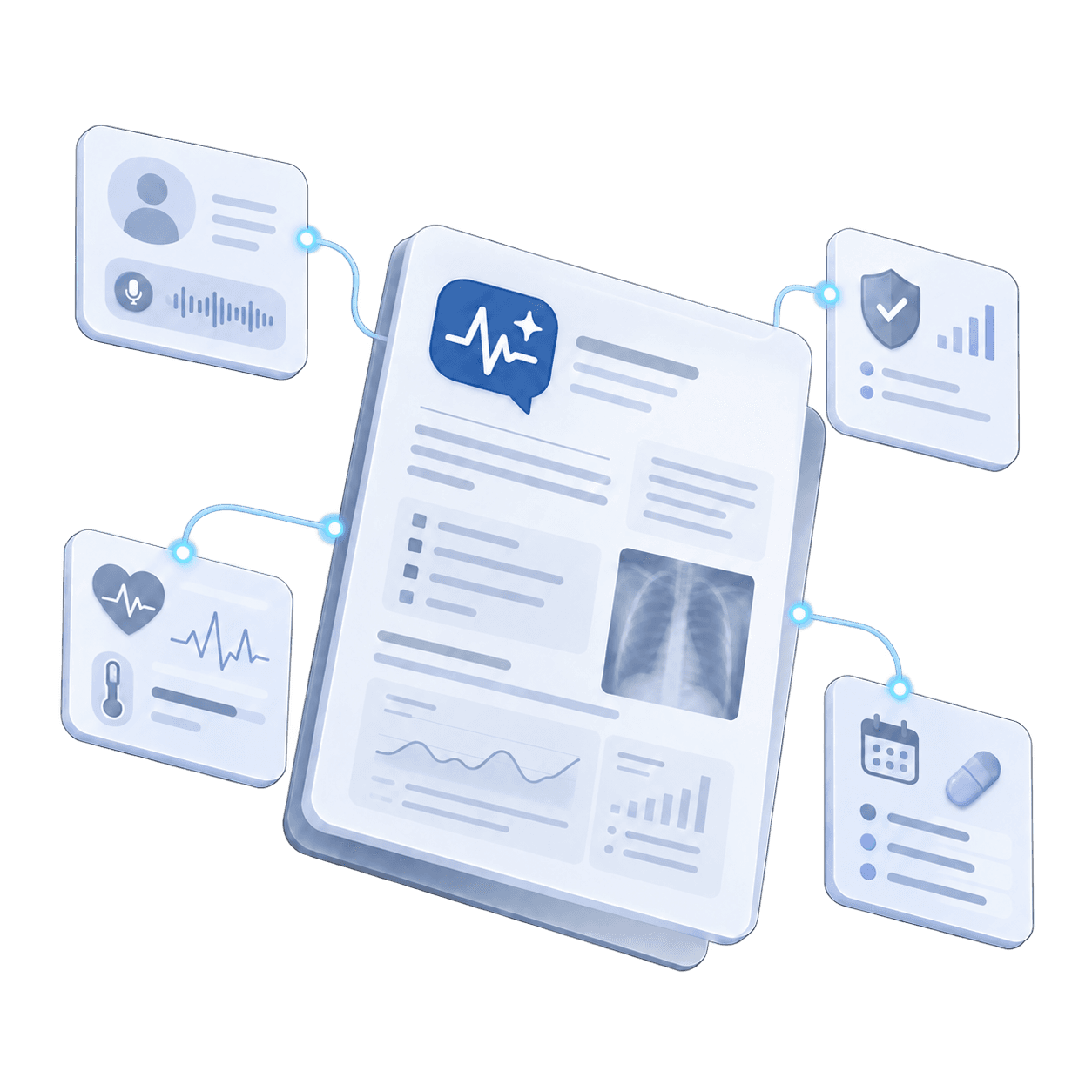
The SOAP Format, Done Automatically
Subjective
Capture the patient's story, symptoms, and concerns in their own words.
Objective
Document your clinical findings, vitals, and observations clearly and consistently.
Assessment
Summarise clinical impressions and diagnoses with clarity.
Plan
Outline treatment steps, follow-ups, referrals, and medications instantly.